-
Shop
- Adidas
- Advanced Technologies
- AI Career Advantage Collection
- AI Skills for Creators & Freelancers
- AI Client Management
- AI Ethics
- AI Mindset
- AI Tools & Prompts
- AI Writing & Content Creation
- Audio, Voice & Music
- Design & Visual Creation
- Email, Messaging & Communication
- Freelancing & Business
- Marketing, Ads & Conversion
- Productivity, Workflow & Automation
- SEO & Search Optimization
- Social Media Content & Growth
- Strategy, Planning & Analytics
- Video Creation & Editing
- AI Skills Mastery 2026 Collection
- Bathroom
- Best-Sellers
- Car Accessories
- Confidence
- Dating & Social Skills
- Digital Resources
- AI & Technology
- AI Skills
- Beauty
- Budgeting & Saving
- Car Buying & Ownership
- Cozy Feast Collection
- Dating & Social Confidence
- Electronics & Technology
- Entrepreneurship & Business Growth
- Financial Education
- Financial Independence
- Financial Mindset & Psychology
- Goal Setting
- Hobbies
- Home Styling & Organization
- Kitchen & Cooking
- Kitchen & Recipes
- Leadership
- Mindfulness
- Mindset
- Online Business
- Parenting & Child Development
- Personal Style & Fashion
- Pet Lifestyle & Wellness
- Positive Thinking
- Sleep Improvement
- Smart Life with AI
- Stress Management & Relaxation
- Travel Planning
- Wellness
- Wellness & Self-Care
- Yoga & Fitness
- Yoga & Mind-Body Practices
- Education & Learning
- Family & Parenting
- Fashion
- Furniture
- Gadgets
- Health & Beauty
- Health & Wellness
- Home & Garden
- Home Decor
- Home Electronics
- Kids & Babies
- Kitchen
- Kitchen Best-Sellers
- Lighting
- Luxury Brands Collection
- Nike
- Online Business for Beginners
- Patio, Lawn & Garden
- Personal Growth
- Pet Care
- Pet Supplies
- Pets
- Smart Amazon Shopping
- Sport & Outdoors
- Stress Relief & Relaxation
- TikTok Growth & Monetization Mastery
- Travel
- Travel & Adventure
- Wealth
Smart Plug Energy Savings: Schedules, Safety & Checklist
Why smart plugs help (and where they don’t)
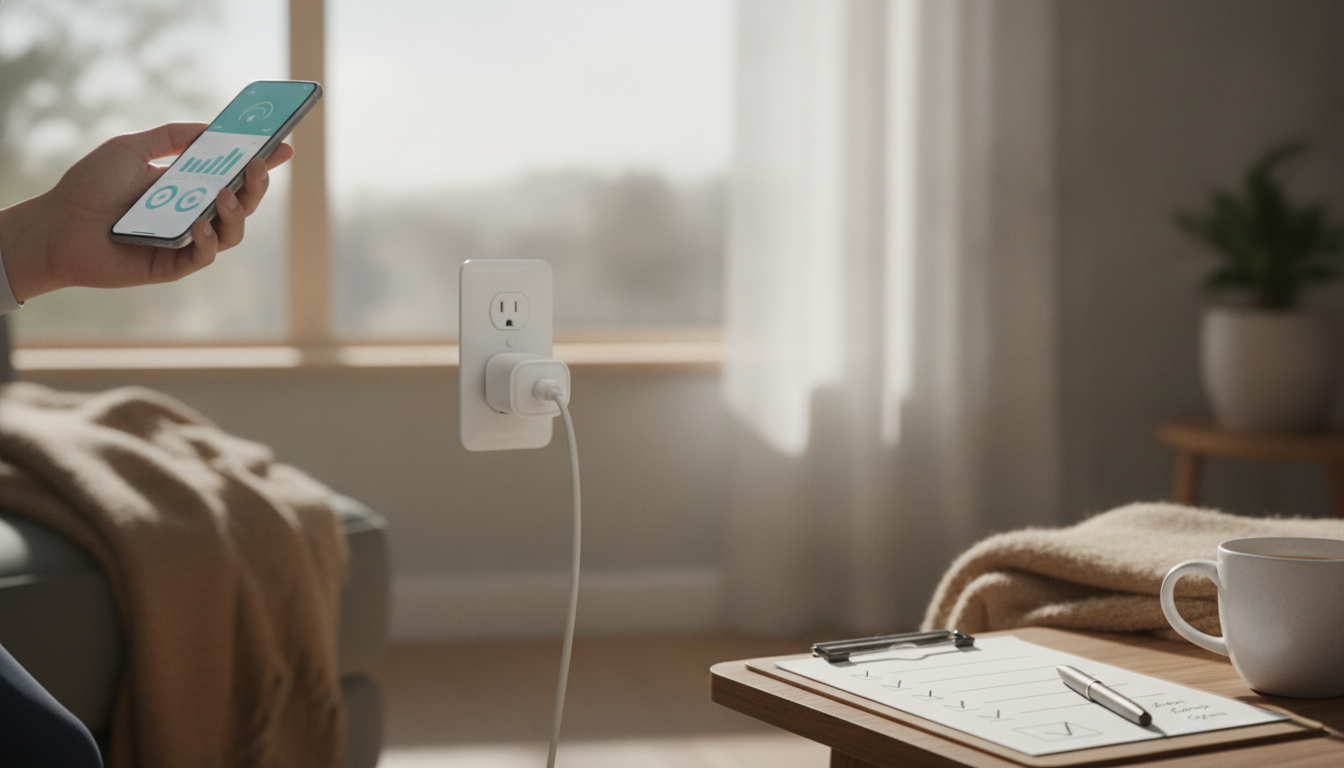
Smart plugs earn their keep by taking “maybe later” power habits and turning them into consistent off-time. Many everyday electronics sip electricity even when they look off—standby power (sometimes called “vampire loads”) adds up across a whole home. Smart plugs help by enforcing true off windows for plug-in devices, setting schedules for predictable routines, and offering quick shutoffs for spaces where people forget to power down.
They also add visibility. If you choose an energy-monitoring model, you can see which devices actually matter instead of guessing. The biggest wins usually come from stacking multiple small loads (TV gear, chargers, lamps, office peripherals) and keeping the off windows consistent week after week. For background on standby power, the U.S. Department of Energy explains how these “always-on” loads quietly consume energy: https://www.energy.gov/energysaver/articles/standby-power.
Where smart plugs don’t fit: hardwired loads (HVAC, built-in lighting) and high-draw appliances unless the plug is explicitly rated for them. Always check the plug’s amp/watt rating and safety certifications, and avoid automating anything that must stay reliably powered (like certain medical devices).
Quick-start setup for reliable savings
Most smart-plug savings fail for one simple reason: the plug gets installed…and never gets automated. Start with a quick setup that makes your routines hard to forget.
- Label and group plugs by room (e.g., “Living Room TV,” “Office Desk,” “Bedroom Lamps”) so they don’t become orphan devices in your app.
- Set a default schedule first to lock in baseline savings, then add refinements like sunrise/sunset or voice control.
- Create two global routines: “All Off” for bedtime and “Away” for leaving the house.
- Protect reliability: if Wi‑Fi is weak where the plug lives, move the plug or improve signal—spotty connectivity can mean devices stay on.
Core automations to set on day one
| Routine | What it turns off | When to run | Why it saves |
|---|---|---|---|
| Bedtime Off | TV/streaming gear, lamps, chargers | Every night | Stops overnight standby and forgotten lights |
| Away Mode | Nonessential plug loads | Whenever leaving | Prevents all-day waste |
| Work Block | Office desk devices | Work hours only | Keeps peripherals from idling 24/7 |
| Weekend Override | Optional comfort loads | Sat–Sun | Prevents schedules from fighting real life |
Energy-saving checklist: target the biggest “quiet” wasters
Use this room-by-room checklist to find the easiest savings—especially the devices that keep drawing power after you’re done using them.
- Entertainment center: TV, soundbar, game console, streaming boxes. Put the whole cluster on a smart plug or smart power strip and shut it down overnight. If you rely on DVR recordings or overnight updates, set a shorter off window or allow a limited “update hour.”
- Home office: monitors, speakers, printers, docking stations, chargers. Schedule a work-hours window, then cut power after hours so peripherals aren’t idling 24/7.
- Kitchen counter: coffee makers with clocks, hot-water dispensers, and small appliances that stay plugged in. If safe and practical, run a morning-only schedule (and leave anything that needs constant power alone).
- Bedrooms: bedside lamps, white-noise machines, phone chargers. Create a nightly off window for chargers and consider a “reading” scene for lamps.
- Laundry/mudroom: boot dryers, utility chargers. Use timers so they never run longer than needed.
- Seasonal decor: holiday lights and displays. Sunset/sunrise scheduling prevents “oops, they ran all night” waste.
Use energy monitoring to prioritize what matters
Energy monitoring turns smart plugs from a convenience gadget into a mini audit tool. Measure first, then automate the devices that actually move the needle.
Simple measurement plan (no spreadsheets needed)
| Step | Action | Time needed | Result |
|---|---|---|---|
| 1 | Plug in one device and record typical daily kWh | 2–3 days | Baseline usage |
| 2 | Add a schedule or timer | 5 minutes | Reduced on-time |
| 3 | Compare new daily kWh to baseline | 2–3 days | Savings estimate |
| 4 | Repeat for next device | Ongoing | Rank devices by impact |
Schedules and timers that usually deliver the most savings
For more general home energy guidance, ENERGY STAR’s tips are a solid reference point: https://www.energystar.gov/saveathome.
Safety and compatibility checks before plugging in
Printable workflow: turn the checklist into a weekly habit
Weekly checklist tracker (starter template)
| Device | Automation | Status | Notes |
|---|---|---|---|
| Entertainment center | Overnight off window | Set up | Confirm recordings/updates still work |
| Home office | Work-hours schedule | In progress | Measure monitor + printer |
| Kitchen counter | Morning-only window | Optional | Skip anything needing constant power |
Helpful downloads and home organization picks
- Energy-saving smart plug checklist digital download ($2.99) to track devices, schedules, and kWh measurements in one place.
- Luxury 12-Inch Stainless Steel Decorative Tray for Home, Kitchen & Countertop ($74.97) to corral chargers, remotes, and small plug-in items in one “power zone” that’s easier to automate and shut down.
- Strawberry Ceramic Seasoning Jar Set ($6.82) to reduce countertop clutter—making it simpler to spot always-plugged-in gadgets you can schedule or unplug.
FAQ
Do smart plugs actually reduce electricity use?
Yes—when they reduce wasted on-time or standby power. Savings are usually strongest with entertainment centers, office peripherals, and lights that get left on, and they depend on how consistent your schedules and routines are.
Which devices should not be used with a smart plug?
Avoid high-wattage or safety-critical devices (like many space heaters, large heating appliances, or medical equipment) unless the plug is explicitly rated and the device manufacturer supports it. Always confirm load ratings and safety listings before automating power.
Is an energy-monitoring smart plug worth it?
It can be worth it if you want to identify your top offenders and confirm that schedules are actually lowering kWh use. Monitoring helps prioritize which devices to automate first and makes it easier to track savings over time.
Recommended for you


Was this article helpful?
Yes
No









Leave a comment