-
Shop
- Adidas
- Advanced Technologies
- AI Career Advantage Collection
- AI Skills for Creators & Freelancers
- AI Client Management
- AI Ethics
- AI Mindset
- AI Tools & Prompts
- AI Writing & Content Creation
- Audio, Voice & Music
- Design & Visual Creation
- Email, Messaging & Communication
- Freelancing & Business
- Marketing, Ads & Conversion
- Productivity, Workflow & Automation
- SEO & Search Optimization
- Social Media Content & Growth
- Strategy, Planning & Analytics
- Video Creation & Editing
- AI Skills Mastery 2026 Collection
- Bathroom
- Best-Sellers
- Car Accessories
- Confidence
- Dating & Social Skills
- Digital Resources
- AI & Technology
- AI Skills
- Beauty
- Budgeting & Saving
- Car Buying & Ownership
- Cozy Feast Collection
- Dating & Social Confidence
- Electronics & Technology
- Entrepreneurship & Business Growth
- Financial Education
- Financial Independence
- Financial Mindset & Psychology
- Goal Setting
- Hobbies
- Home Styling & Organization
- Kitchen & Cooking
- Kitchen & Recipes
- Leadership
- Mindfulness
- Mindset
- Online Business
- Parenting & Child Development
- Personal Style & Fashion
- Pet Lifestyle & Wellness
- Positive Thinking
- Sleep Improvement
- Smart Life with AI
- Stress Management & Relaxation
- Travel Planning
- Wellness
- Wellness & Self-Care
- Yoga & Fitness
- Yoga & Mind-Body Practices
- Education & Learning
- Family & Parenting
- Fashion
- Furniture
- Gadgets
- Health & Beauty
- Health & Wellness
- Home & Garden
- Home Decor
- Home Electronics
- Kids & Babies
- Kitchen
- Kitchen Best-Sellers
- Lighting
- Luxury Brands Collection
- Nike
- Online Business for Beginners
- Patio, Lawn & Garden
- Personal Growth
- Pet Care
- Pet Supplies
- Pets
- Smart Amazon Shopping
- Sport & Outdoors
- Stress Relief & Relaxation
- TikTok Growth & Monetization Mastery
- Travel
- Travel & Adventure
- Wealth
Reading Made Easier: Gadget Checklist for Comfort & Focus
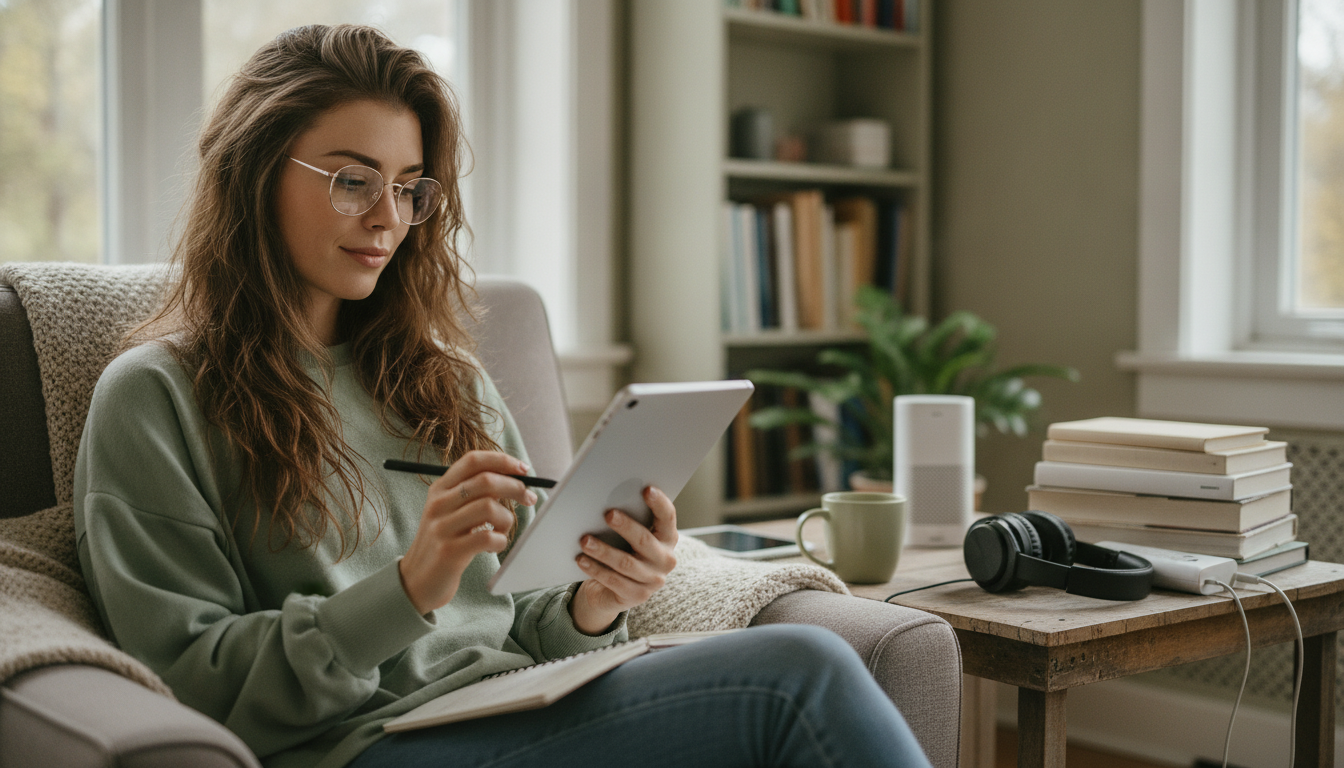
Optimizing Reading with Gadgets: A Practical Checklist for Easier, Faster, More Comfortable Reading
Reading feels noticeably easier when the setup removes friction: clearer text, calmer lighting, a comfortable posture, and tools that keep you focused and organized. This practical, checklist-style guide matches common pain points—eye strain, slow pace, distractions, and dense material—to small gadget and smart-device upgrades (including optional AI support) so your reading routine runs almost on autopilot.
Start with the reading goal (so the gadget helps instead of distracts)
Before adjusting settings or buying anything, decide what “better reading” means for this session. A simple goal prevents your tools from turning into more tabs, more tweaks, and less progress.
- Pick one primary goal: comprehension (study), retention (notes), or speed (skim and extract).
- Match the format to the task: e-ink for long, linear text; a tablet/monitor for diagrams and PDFs; a phone for short bursts.
- Define “done” clearly: pages, minutes, or outcomes (for example: 5 key points captured, 10 new terms clarified).
- Set one rule for interruptions: airplane mode, focus mode, or notifications only from one contact.
If you want a printable routine you can follow without thinking, keep a dedicated “one-page” checklist handy—like Optimizing Reading with Gadgets – Checklist for How to Make Reading Easier Using Gadgets, Smart Devices & AI Tools.
Screen and text settings that reduce eye strain immediately
Most comfort gains come from a handful of settings you can change in under a minute. The goal is stable, easy tracking—less squinting, fewer re-reads, and less “visual noise.” For evidence-based guidance on digital discomfort, the American Academy of Ophthalmology’s overview of digital eye strain is a helpful reference point.
- Increase font size and line spacing until you can track lines without squinting or leaning in.
- Use high-contrast themes thoughtfully: dark mode may feel better in low light; in bright rooms, dark text on a light background is often clearer.
- Enable reader mode/reading view to strip ads, sidebars, and layout clutter.
- Match brightness to the room (avoid max brightness unless necessary) to reduce fatigue and glare.
- Schedule warmer tones at night using blue-light reduction to support wind-down habits (NIH basics on healthy sleep can guide evening routines).
| Device/Format | Setting | Starting Point | Why it helps |
|---|---|---|---|
| Phone/Tablet | Font size + line spacing | Text ~115–135% + spacing 1.2–1.4 | Reduces crowding and re-reading |
| Any browser | Reader mode | On for long articles | Cuts distractions and visual noise |
| Tablet/Monitor | Brightness | Match room light (avoid max) | Less glare and squinting |
| Evening reading | Warm color filter | Schedule after sunset | Gentler on eyes before sleep |
| PDF-heavy reading | Reflow/zoom + two-column view (if available) | Zoom until a full line fits without horizontal scroll | Improves tracking and speed |
Lighting and environment: the often-missed “gadget” is your lamp
When lighting is wrong, you compensate by cranking brightness, leaning forward, and blinking less. A small environmental upgrade often beats a bigger screen upgrade.
- Add a dedicated reading light so you don’t rely on screen brightness; position it to avoid reflections on glossy displays.
- Choose adjustable color temperature: cooler light for daytime clarity, warmer light for evening comfort.
- Reduce glare by changing angles: rotate the device or move the lamp before raising brightness.
- Control noise with noise-canceling headphones or steady background sound when the environment is unpredictable.
- Create a “grab-and-read” station so setup takes seconds: charger, stylus, and a consistent seat.
For a tidy, repeatable setup, a catch-all surface helps keep your essentials in one place—like the Luxury 12-Inch Stainless Steel Decorative Tray for Home, Kitchen & Countertop.
Hands-free and posture upgrades that make long sessions sustainable
Comfort isn’t only about eyes. If your neck and shoulders fatigue, focus collapses and reading slows. Hands-free supports keep your screen at a natural angle and reduce repetitive scrolling.
A stable side surface makes it easier to keep water, notes, and devices within reach without crowding your lap. The Wabi-Sabi Style Vintage Hourglass Side Table is one option for creating a consistent reading nook.
AI tools that support comprehension (without replacing thinking)
AI can reduce friction around dense passages, unfamiliar vocabulary, and navigation—especially in long PDFs—while you still do the real work of understanding and judging the material. If you build your routine around accessibility and clarity, the Web Content Accessibility Guidelines (WCAG) overview is a useful anchor for what “readable” often means in practice: W3C WCAG Overview.
A step-by-step checklist for easier reading (save, print, or follow weekly)
Common setup problems and fast fixes
FAQ
Which device is best for long reading sessions: e‑ink, tablet, or phone?
E-ink is usually best for long, linear text with minimal distractions, while a tablet is better for PDFs, charts, and annotation. A phone works well for short sessions or quick reviews, but it’s typically the least comfortable for extended reading.
Do AI summaries improve learning or make it worse?
They can improve learning when used as a preview that reduces confusion before you read the original. Learning tends to suffer when the summary replaces the source instead of helping you form questions and verify understanding.
How can reading be easier for dyslexia or visual processing challenges using gadgets?
Helpful options include larger text, increased spacing, dyslexia-friendly fonts, text-to-speech, focus modes that highlight one line at a time, and tinted overlays or color filters. Reader mode also helps by keeping layouts consistent and reducing clutter.
Recommended for you



Was this article helpful?
Yes
No









Leave a comment